
![[AndyB] Logo text](/data/resource_icons/5/5600.jpg?1720149262)
- XF Compatibility
- 2.2.x
Replaces image logo with text logo.
Setup:
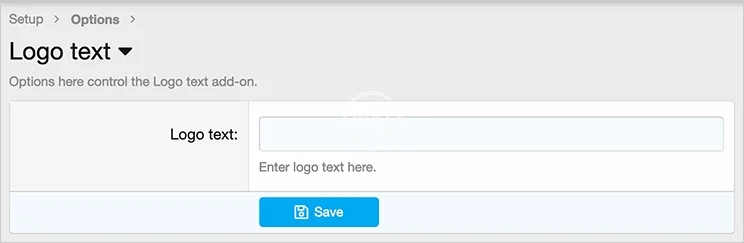
1. Add forum name to Options page.
2. Add the following code to the extra.less template:
Setup:
1. Add forum name to Options page.
2. Add the following code to the extra.less template:
CSS:
// logo text
.logoText,
.logoTextSmall
{
    color: @xf-paletteNeutral1;
    font-family: @xf-fontFamilyUi;
    font-size: @xf-fontSizeLargest * 1.5;
    font-weight: @xf-fontWeightHeavy;
    padding: 10px 0px 10px 0px;
}
.logoTextSmall
{
    font-size: @xf-fontSizeLarge;
}
.p-nav-smallLogo a
{
    text-decoration: none;
}
.p-nav-smallLogo img
{
    display: inline;
}


![[AndyB] Logo manager](/data/resource_icons/6/6728.jpg?1733992061)
![[Andy] Logo Email](/data/resource_icons/0/778.jpg?1720149240)
![[AndyB] Advertising responsive](/data/resource_icons/7/7380.jpg?1720149273)